

CITI Program Instructions
Please review these instructions before logging in to the CITI website.
- Visit the CITI Login Page.
- Click the “Register” link (the login through institution is not available).

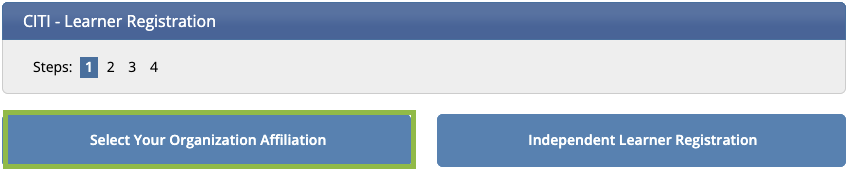
- Click the button that says “Select Your Organization Affiliation”

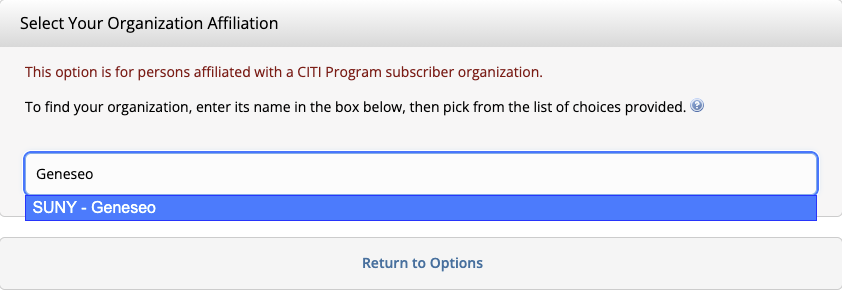
- In the text box, type “Geneseo”. Click “SUNY – Geneseo” from the drop-down menu.
- Agree to the “Terms of Service” and affirm that you are an affiliate of SUNY – Genseo. Then click the “Create a CITI Program account” button.
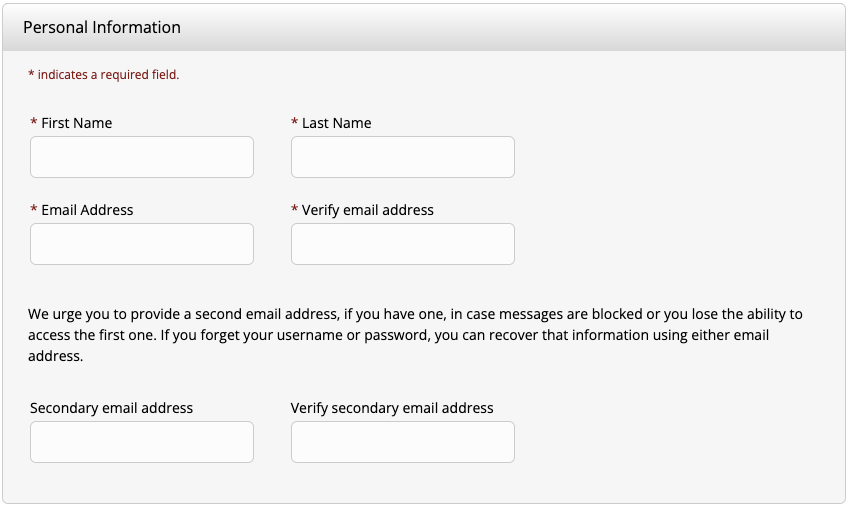
- Fill out your Personal Information and click “Continue To Step 3”
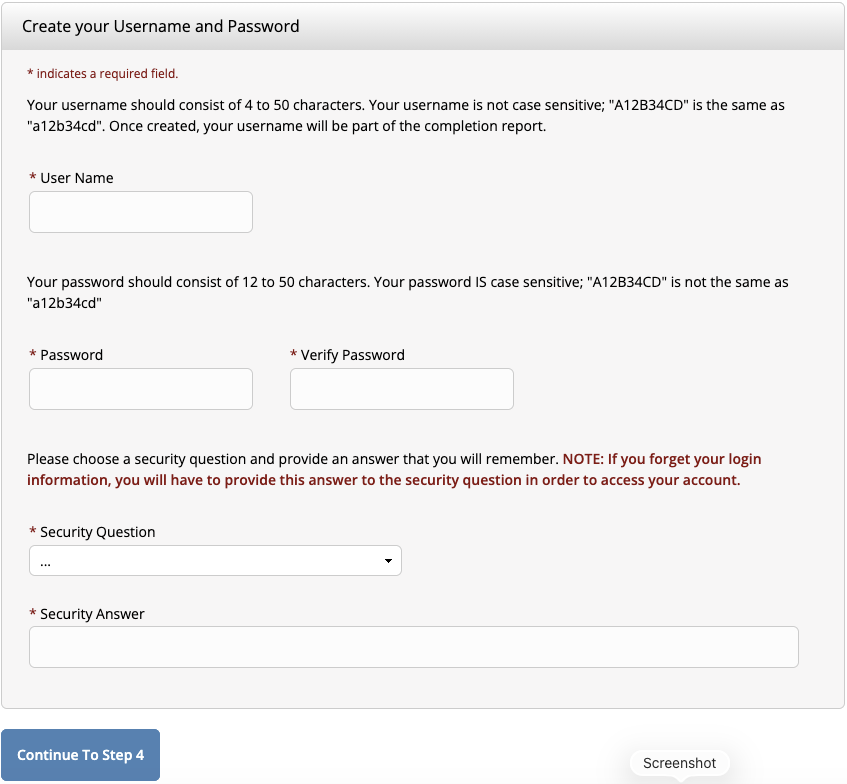
- Create a username, password, and security question. Click “Continue To Step 4”.
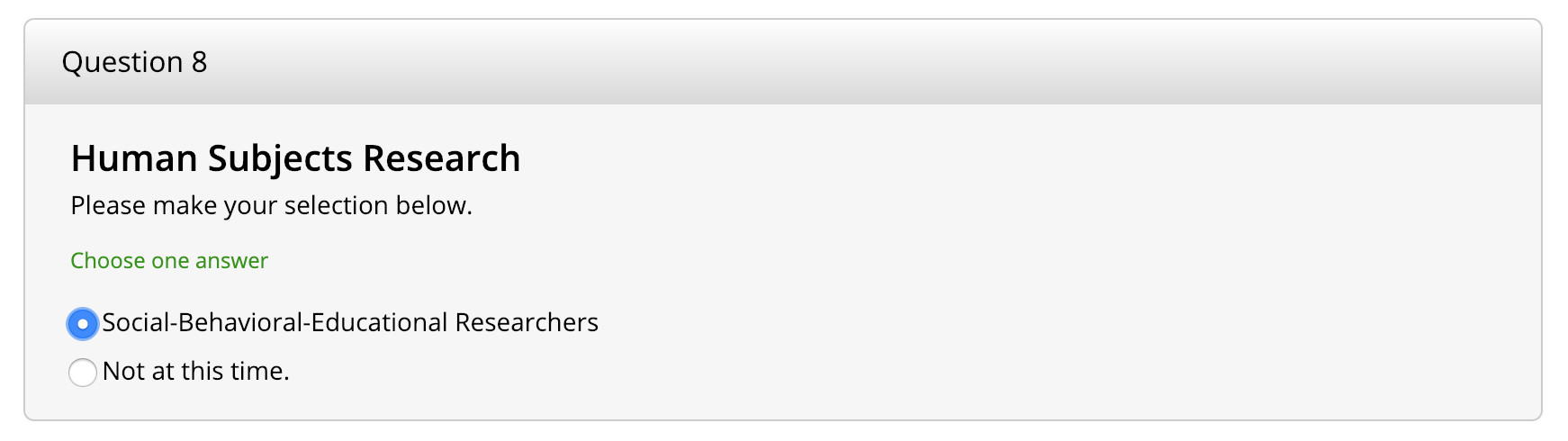
- To complete the registration, select the “Social-Behavioral-Educational Researchers” course in Question 8.
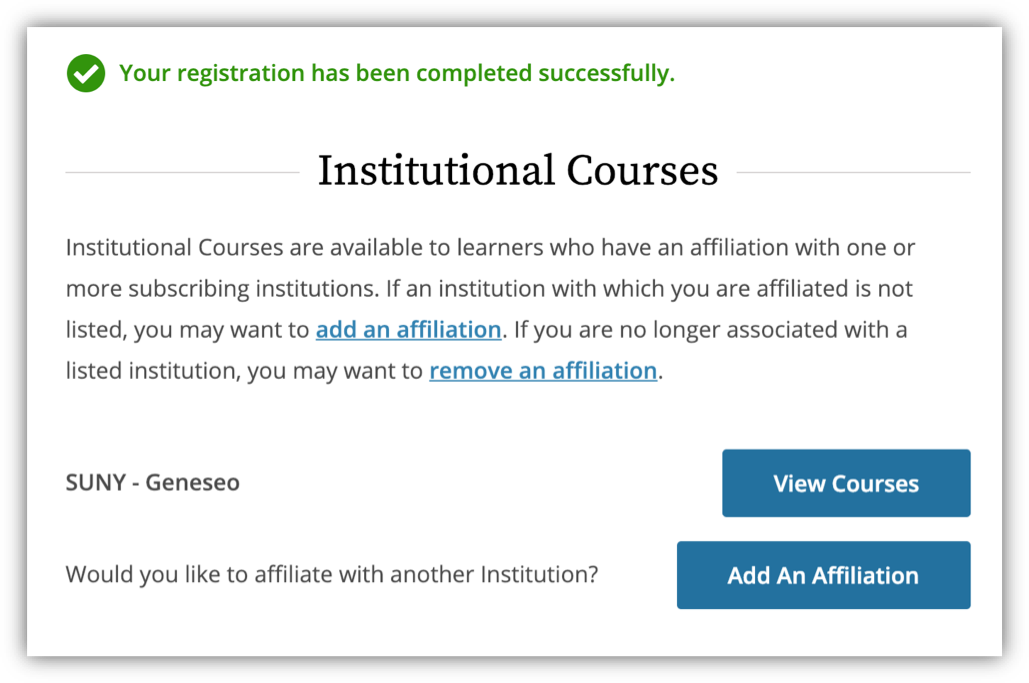
- Once the registration is complete, click on View Courses.
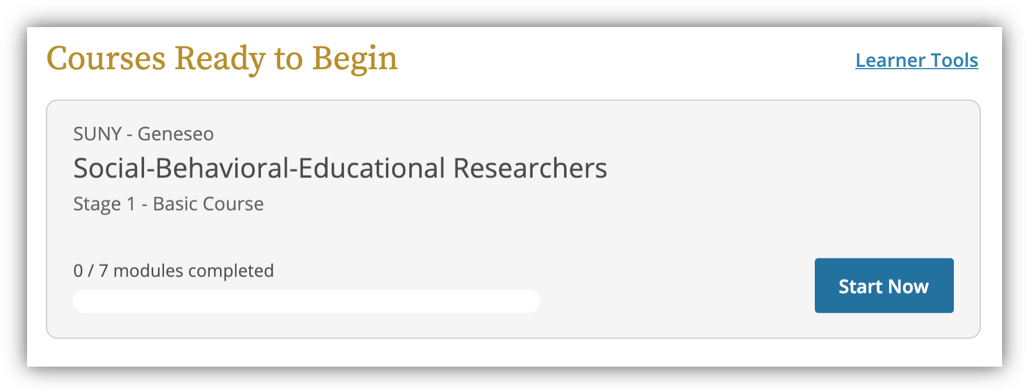
- Now you can begin the “Social-Behavioral-Educational Researchers,” which contains 7 modules.
.